Connect Your First System
You have an account and an empty dashboard. In this step you'll connect a system you already run — a GitHub org, an AWS account, your Google Workspace — and trigger the first collection. When it completes, you'll have findings to work with.
QuantAssure gets data two ways: pull (the Assure Agent runs collectors against a system on a schedule or on demand) and push (marketplace connectors send events as they happen). Start with pull — it's a form and a button.
Scopes: Pull-Based Collection
A scope is a monitored system — "Production API", "Corporate Workspace" — with its own data-source configuration.
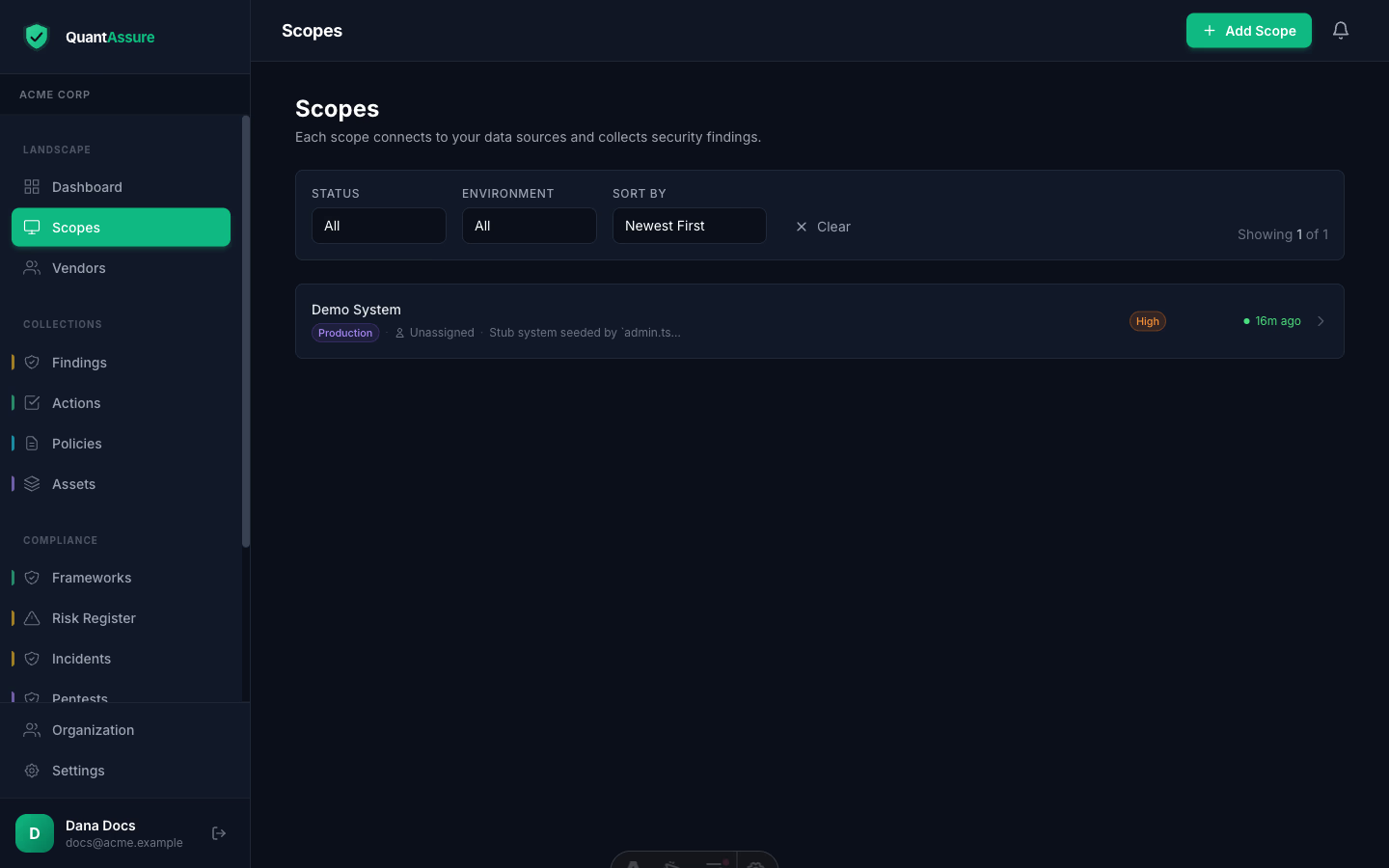
To add one: Scopes → Add Scope, then:
- Name and classify it — type, environment (production/staging/dev), criticality, and data classification. The AI uses these when weighing a finding's real risk: the same vulnerability rates differently in a production system holding customer data than in a sandbox.
- Enable collectors and provide credentials. The
configuration form is generated from the same schema the
collection agent uses, so what you see is exactly what runs:
- GitHub — repositories as inventory; Dependabot alerts and security-posture checks become findings
- AWS — Security Hub findings, plus CloudTrail activity via the connector
- Google Workspace — user inventory with MFA status, admin roles, and login activity; compliance findings for weak configurations
- Mosyle (Apple MDM) — managed devices; compliance findings for outdated OS versions, disabled FileVault, screen-lock policy drift
- Google Drive — imports policy documents for the AI's organisational context
- Run it — trigger the first collection from the scope page. Subsequent runs happen on your schedule.
Credentials you enter here are stored per-organisation and only ever used by your runs.
Per-source setup guides: GitHub, AWS SecurityHub, Mosyle, Google Workspace — or see the integrations overview.
Marketplace Connectors: Push-Based Events
For real-time sources, install the connector once and events flow in as they happen — no polling schedule:
- AWS EventBridge connector — forwards security-relevant CloudTrail events (IAM changes, logging disabled, security-group changes) as findings with ISM control mappings
- GitHub App — installed from the GitHub Marketplace against your org; repository and security events stream in
- Google Workspace Marketplace app — domain-install with OAuth; identity and configuration data without service-account key handling
Connector-received findings go through the same AI triage as pulled ones.
Watch Your First Run Complete
Once triggered, the run works through its stages: collect (inventory + raw findings) → expand (turn inventory into compliance findings) → enrich (dependency trees, repo context) → AI triage (severity reclassification with reasoning) → your dashboard. Runs and their stage-by-stage progress are visible under Runs on each scope — watch the first one until it reports complete, then head to Findings.
Security Score
Each scope shows a security posture score (0–100), calculated from AI-adjusted finding severities: critical findings have the highest negative impact, and resolved findings improve the score. View the breakdown on the scope detail page.
Next step → Your first findings — read the list, see what the AI reclassified and why, and decide what deserves your first hour.