Policies & Campaigns
Here you manage the documents that define how your organisation works — and prove people have read them. Policies feed the AI's triage context; campaigns turn policy publication and access certification into tracked, evidenced workflows.
Policies
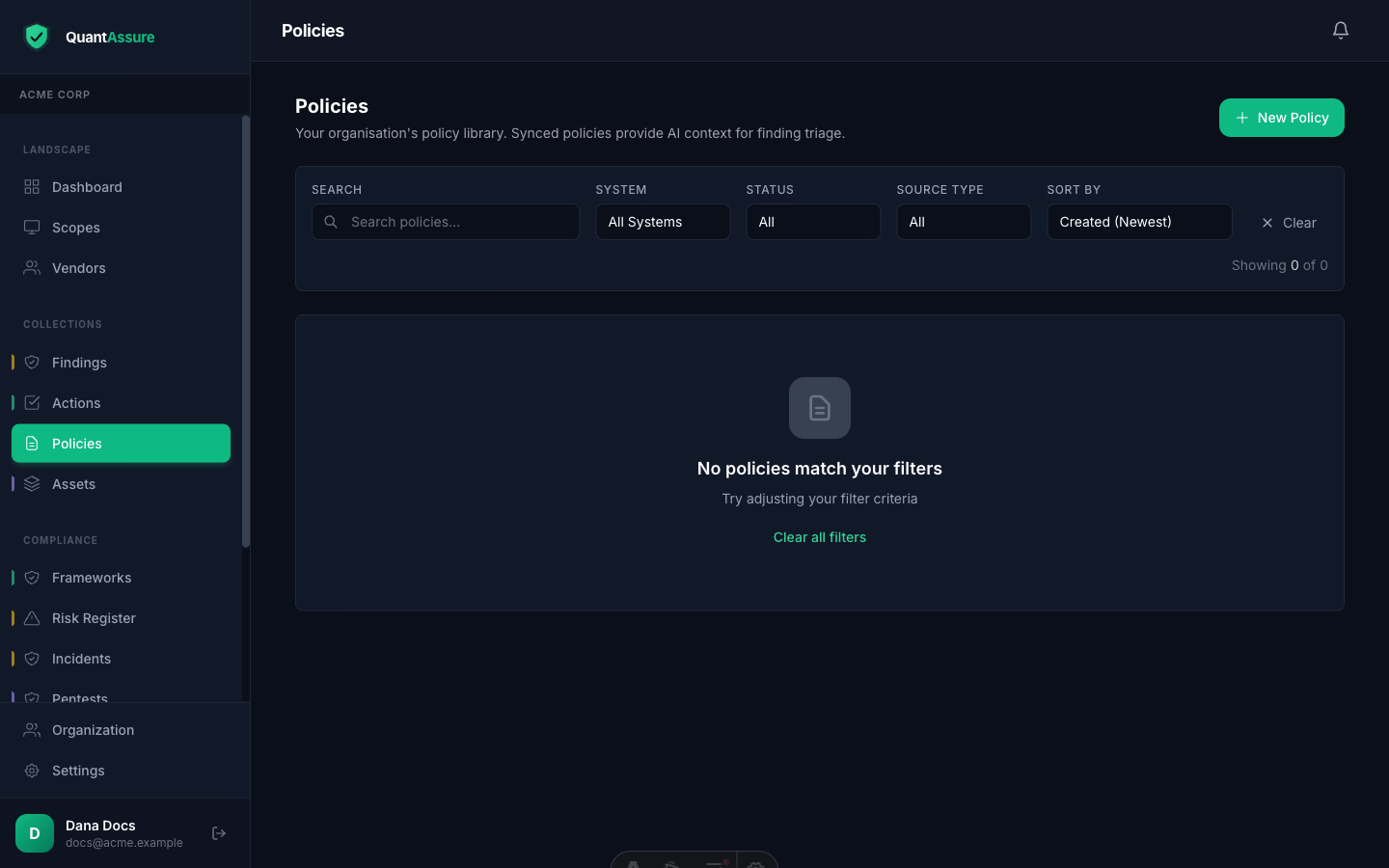
Policies are first-class objects: import them from Google Drive, or author them in-app with the markdown editor. Each policy has version history with content snapshots, review scheduling, and acknowledgment tracking. Policies also feed the AI — triage decisions cite your policies as context, which is part of what makes reclassifications defensible.
Adding Policies
- In-app: Policies → Add Policy — title, markdown content, category (security, compliance, operational, hr, legal), an owner, and a review cycle
- Google Drive sync: configure a Drive folder on a scope and documents are imported and kept in sync — see the Google Workspace integration
Review Cycles and Lifecycle
- Set a review frequency; policies show current / due for review / overdue status, and overdue policies are flagged on the dashboard
- Lifecycle: Draft → Active → Under Review → Archived — only active policies are used for AI context
- Linked policies appear as evidence for related ISM controls
Keep policies current and well-tagged. The more context the AI has about your organisation's security stance, the better its severity assessments.
Campaigns
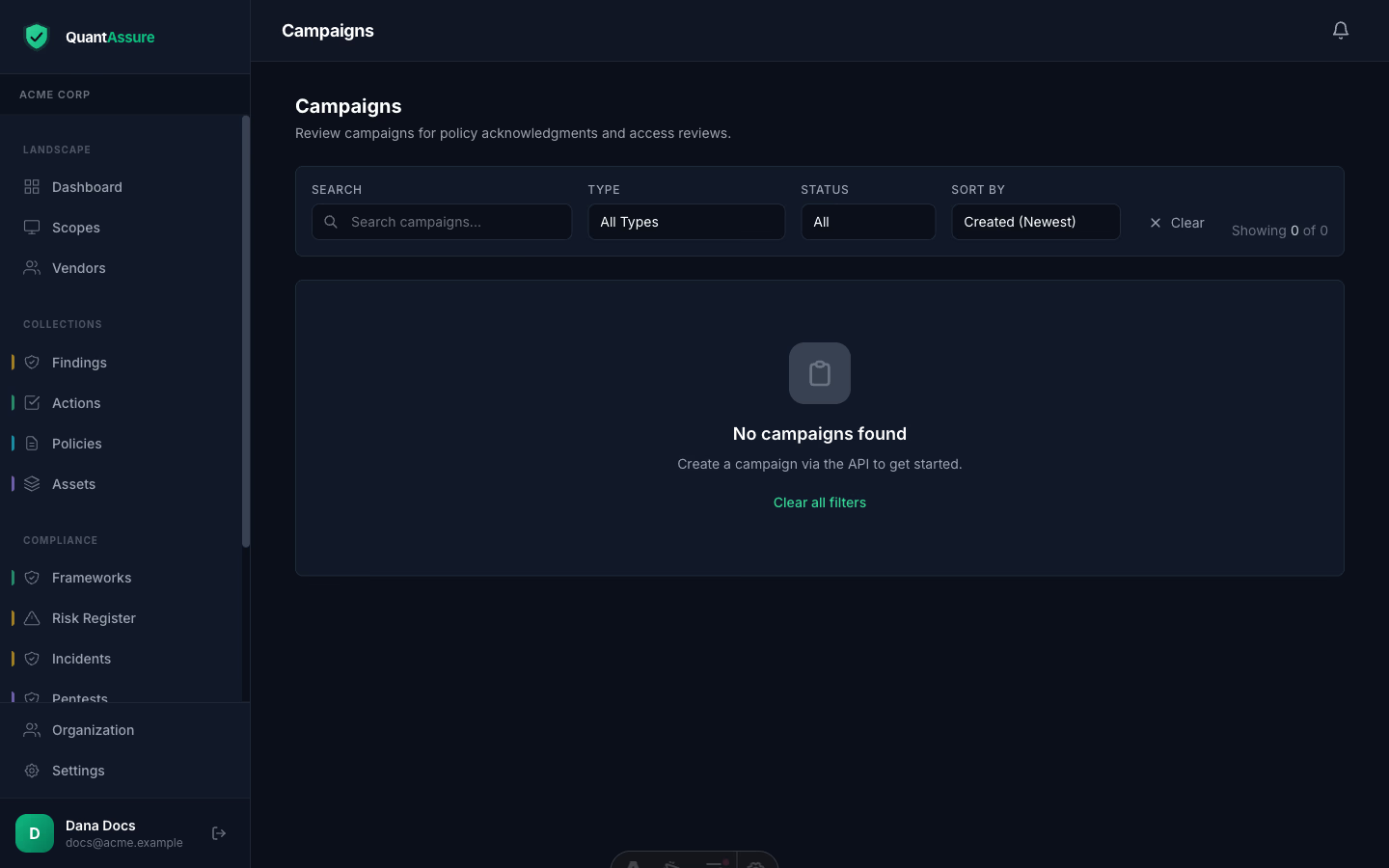
Campaigns are bounded review efforts targeting specific people:
- Policy acknowledgment — publish a policy, launch a campaign, and track who has read and acknowledged it. Acknowledgments are stored as evidence (who, when, which version) and exportable via the Policy Acknowledgments report.
- Access review — reviewers certify, revoke, or flag each person's access across your connected systems. People are drawn from identity data collected by your integrations (Google Workspace, GitHub), correlated by email — including people who never log into QuantAssure. Revocations automatically create findings so the actual de-provisioning is tracked to completion.
Campaign progress, reminders, and completion are handled for you: participants are notified through your configured channels, reminders go to stragglers, and the campaign closes itself when every item is decided.