Compliance
Everything you set up in the onboarding journey feeds your compliance posture: the systems you connected and the findings they produce are mapped to ISM controls, tracked for readiness, and packaged for IRAP assessment with evidence-backed control statuses.
Frameworks
Frameworks shows your enabled compliance frameworks and posture against each:
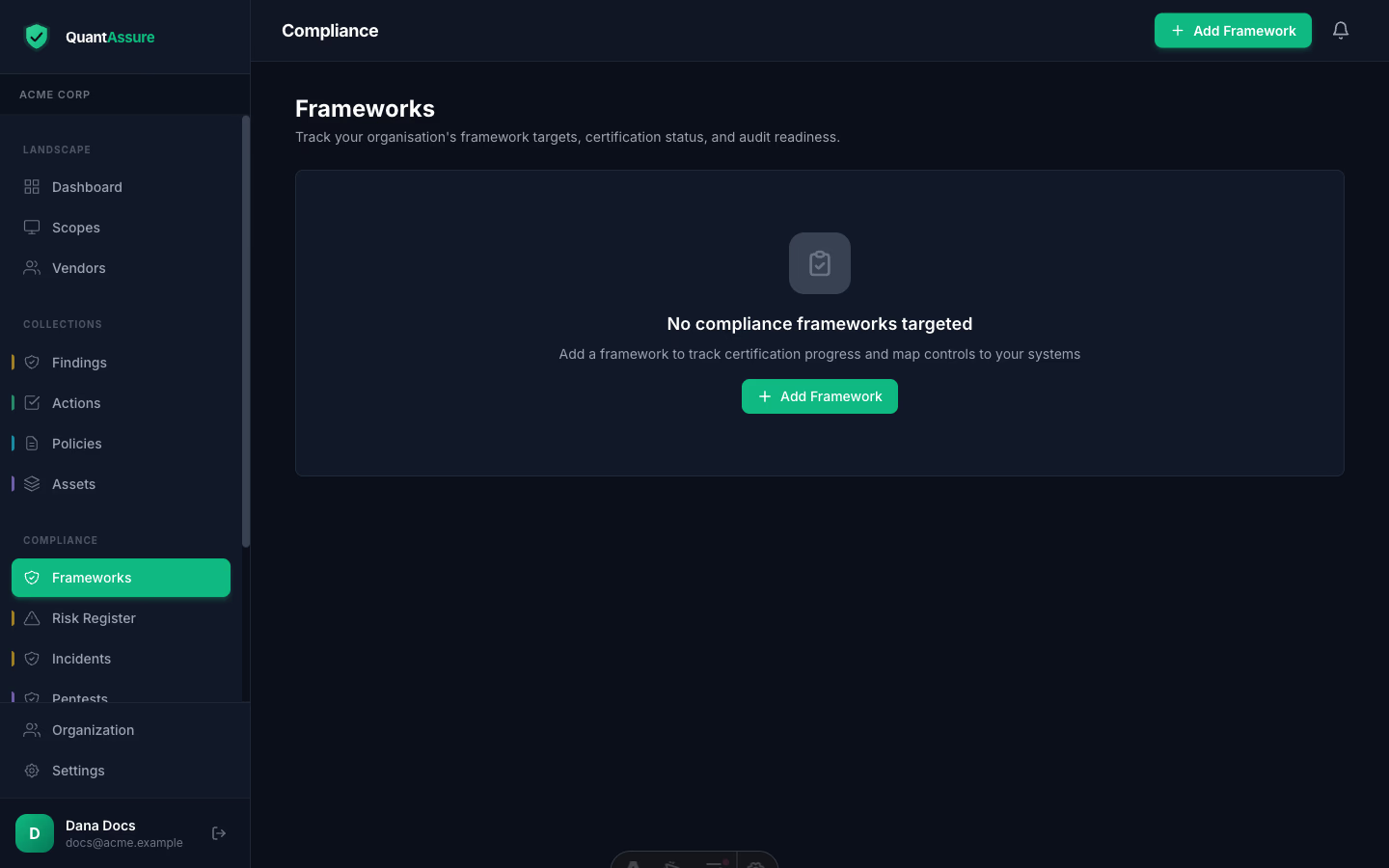
QuantAssure ships with the Australian Government ISM control catalogue (1,000+ controls), Essential Eight, and IRAP-oriented tooling. Controls carry per-org status (applicability, compliance state) and link to evidence: findings, resolutions, policies, and scan activity collected by your runs — so control status is backed by artefacts, not assertions.
ISM & IRAP
For agencies and suppliers facing IRAP assessment, QuantAssure maintains ISM control statuses with AI-assisted applicability assessment and links each control to the evidence your runs collect continuously. Findings from connectors arrive pre-mapped to ISM controls where the source event implies one (e.g. CloudTrail "logging stopped" → ISM logging controls). The SOA export and compliance reports package this for your assessor.
New to IRAP or the ISM? The IRAP compliance guide and ISM controls guide cover the background; this section documents the product workflow.
How It Works
The compliance workflow has four phases:
- Connect — Set up systems with integrations to collect security data (learn more)
- Assess — AI maps findings to ISM controls and suggests compliance status
- Evidence — Automated and manual evidence is collected against controls
- Readiness — Track your compliance posture and export your SOA for assessors
Setting Up a Compliance Target
- Navigate to Compliance → Add Target
- Select your framework (e.g., ISM OFFICIAL: Sensitive)
- Set your target certification date
- Define scope (full or partial) with scope notes
- Optionally enter auditor information and audit dates
What's Automated vs Manual
| Automated | Manual |
|---|---|
| Findings from pipeline scans | Implementation notes per control |
| Policy sync from Google Drive | Evidence for physical/procedural controls |
| AI compliance status suggestions | Applicability determinations |
| Asset inventory from integrations | Custom evidence uploads |
| Finding-to-control mapping | Assessor review via SOA import |
System Boundaries
- Evidence is scoped to registered systems and assets
- Register all systems in scope for your assessment
- Configure integrations for each system
- Run scans regularly to keep evidence fresh
- Assets not registered won't have automated evidence
Learn more about asset registration
Guides in This Section
- ISM Controls — Browse and manage ISM controls
- Evidence Collection — Automated and manual evidence
- Statement of Applicability — Export/import workflow for assessors
- Readiness Dashboard — Monitor compliance readiness
- Essential Eight — Maturity assessment
- Asset Registration — Register and classify assets